

Podcast Studio in West London with Technical Support
Choosing a podcast studio that fits your creative, technical and budget needs is a practical process—especially in West London where access, gear and engineer support vary. This guide walks you through real scenarios, step-by-step checks, and the exact questions to ask so you can book a studio that delivers great audio, reliable technical support and the video options you need.
Start with the production scenario you expect
Begin by defining how you will use the studio. Are you recording a conversational audio-only show, a hosted interview with remote guests, a video podcast, or a live-streamed event? Each scenario changes the checklist:
- Audio-only interview with two hosts: core needs are microphones, preamps and an engineer for levels and room treatment.
- Video podcast with guest cameras and live switching: you need a multi camera podcast studio, video capture, lighting and a technical operator.
- Live stream or hybrid event: look for a live cut podcast studio workflow that supports real-time switching and streaming bandwidth.
Evaluating a podcast studio near Heathrow
If proximity to airports, talent or crew matters, check transit times, parking and luggage handling. Many clients choose studios close to Heathrow to simplify guest travel and equipment logistics. For each candidate studio, verify:
- Actual travel time door-to-door during your typical call time (not just on maps).
- Availability of parking or loading bays for gear.
- Noise risk from nearby roads or planes and what mitigation the studio already has.
Ravenor Farm Studios sits in West London and welcomes creators arriving from West London hubs and Heathrow-area travel; when you call, ask about how the studio manages guest arrivals and kit drop-offs.
Assess sound quality and isolation
Quality audio starts with the room. Ask the studio to describe construction and acoustic treatment, then validate during a tour:
- Listen for external noise with all doors and windows closed.
- Ask for a short live recording demo with the exact microphones you plan to use.
- Check for consistent tone across seating positions—good treatment avoids bass buildup and flutter echo.
For producers who need strict privacy or broadcast work, request a demonstration of the room with a full recording chain so you can judge signal-to-noise ratio and isolation.
Confirm the gear and engineer support
Equipment choices influence both sound and workflow. If you favour modern podcast consoles, ask whether the studio offers a RØDECaster Pro II studio setup and whether that desk is configured for your routing needs. Confirm these items:
- Exact mic models and preamps installed and whether replacements are available for guests.
- Monitoring setup for host and engineer and headphone mixes per participant.
- Engineer or technician availability during setup, recording and file delivery.
Studios advertising a podcast studio with engineer should clarify whether the engineer is included in hire or booked separately, and their role during the session (sound check, live mixing, editing, file export).
Video and multi-camera workflows
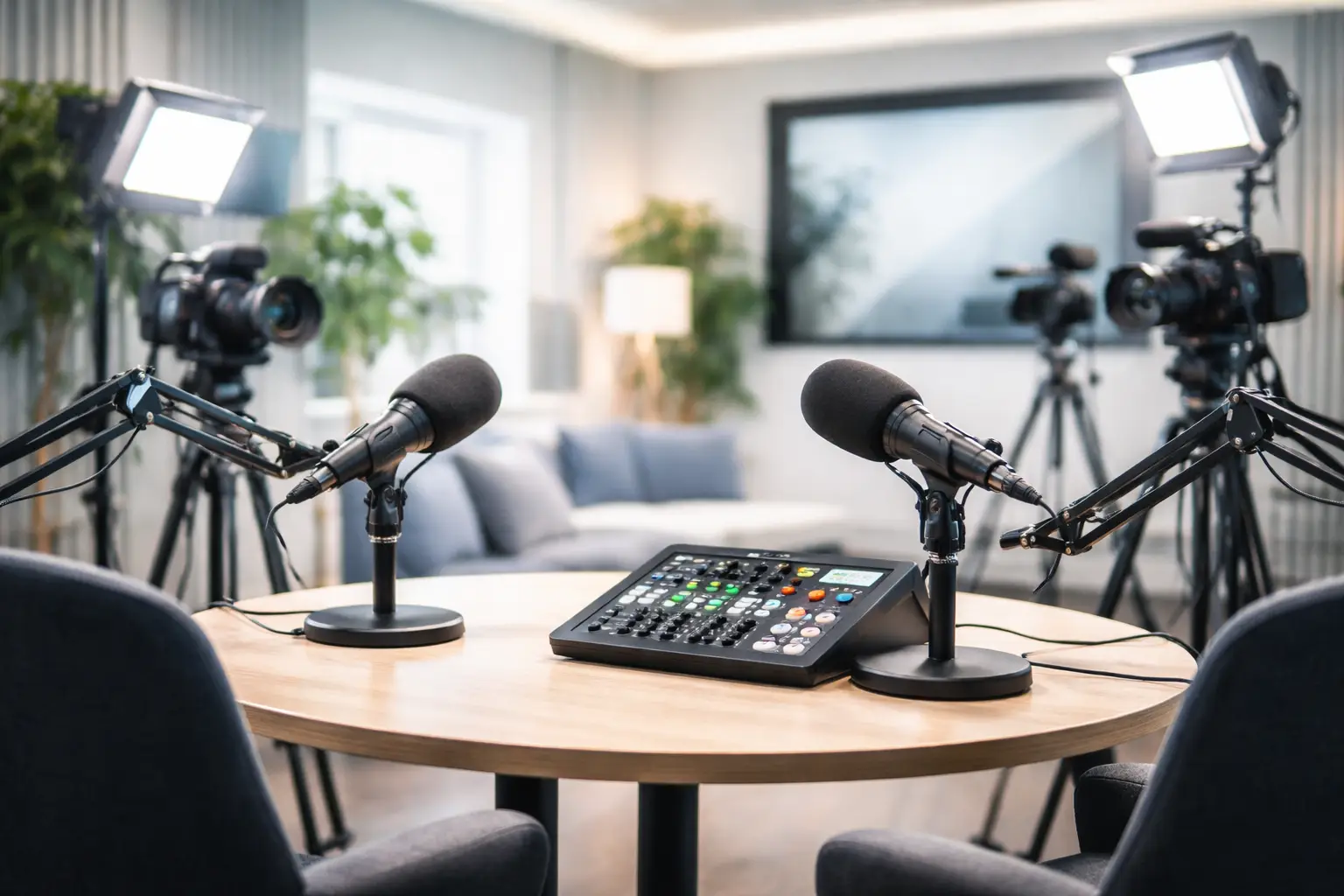
If video is part of the plan, inspect the studio’s video capabilities. A multi camera podcast studio needs more than cameras: stable video switcher, capture cards, lighting grid and camera operator. Ask to see:
- Camera models, lenses and record paths (direct to disk, capture to NDI or hardware encoder).
- Lighting plots and the ability to set looks for close-ups and group shots.
- Video switching options and whether they support live picture-in-picture or program feed for streaming.
Request a short camera test to check sync between audio and video and confirm that the studio can deliver isolated audio tracks aligned with each camera for post-production.
Live production and live edit capabilities
For shows that stream live or require near-immediate publishing, a live cut podcast studio workflow makes a big difference. Clarify whether the studio can:
- Provide live switching and a program feed to streaming platforms with encoded bitrate options.
- Record multi-track audio and ISO camera feeds simultaneously for post-production.
- Support real-time graphics, remote guests and listener call-ins with stable return feeds.
Ask for examples or a short live demonstration so you can evaluate latency, cut quality and the studio team’s ability to troubleshoot during a live session.
Compare availability, rates and deliverables
Rather than accepting a headline rate, get a clear itemised quote that lists:
- What time window the hire covers (setup, rehearsal, recording, strike).
- Which staff roles are included (engineer, camera operator, runner) and hourly rates for add-ons.
- File delivery format, turnaround time for edits and whether stems or raw files are supplied.
Because pricing models differ, use standard scenarios (e.g., “two-host audio session, 3 hours with engineer”) to request comparable quotes from multiple studios.
Practical checklist before you book
On a tour, walk through this checklist with the studio manager and tick items off in real time:
- Confirm parking and load-in access for your arrival time.
- Request a live mic test with the exact gear you plan to use.
- Ask to see the final exported deliverable of a recent session (to judge production quality).
- Verify Wi‑Fi/network performance if you will live stream or bring remote guests.
- Check backup systems: spare mics, redundant recording paths and power options.
Diagnosis and Action Checklist
This checklist helps you resolve common uncertainties when comparing studios. Follow each step to reach a definitive answer.
-
What is uncertain: the studio’s true isolation level and real-world noise floor.
- Search for: “acoustic treatment”, “STC”, “noise level”, “isolation” in the studio’s technical spec or brochure.
- Data to collect: record a 60-second silence on room mic at scheduled session time; measure peak and RMS noise in dBFS using a DAW.
- Official sources: studio technical spec sheet, any third-party acoustic report, or accreditation from a professional acoustician.
- Decision: if measured noise interferes with voice clarity at typical recording levels, rule the room out or request mitigation before booking.
-
What is uncertain: whether the advertised console (e.g., RØDECaster Pro II studio) is configured for multi-guest routing and IF it will be available.
- Search for: “equipment list”, “console model”, “routing” on the studio’s spec page or hire contract.
- Data to collect: ask for a screenshot/photo of the desk routing or request a short routing demo during the tour; list the I/O available per channel.
- Official sources: equipment inventory PDF, signed hire agreement, or the manufacturer’s product page for specs.
- Decision: confirm that the console supports the number of channels and monitoring mixes you require; if not, request external preamps or a tech to handle routing.
-
What is uncertain: live streaming capacity and bandwidth for your target destination.
- Search for: “upload speed”, “network SLAs”, “wired vs Wi‑Fi” in the studio’s network/tech spec.
- Data to collect: perform an upload speed test from the studio network and request latency/ping tests to your streaming endpoint.
- Official sources: studio network specification, internet service provider plan document, or a recent speed test screenshot.
- Decision: if upload bandwidth or stability is insufficient, arrange for a wired connection, bonded cellular failover, or a dedicated stream encoder from the studio.
-
What is uncertain: engineer roles and deliverables included in the hire.
- Search for: “engineer included”, “technical support”, “file delivery” in the booking terms or pricing schedule.
- Data to collect: get a written confirmation of which services are included (mixing, editing, stems) and typical turnaround times.
- Official sources: hire contract, service-level agreement, or the studio’s terms and conditions page.
- Decision: accept booking only when included services match your expectations or when add-on costs are agreed in writing.
Example booking scenario and timeline
Scenario: You are producing a weekly 60-minute video podcast with two hosts, one remote guest and live streaming.
- Pre-book: request a multi camera podcast studio with an engineer and test remote guest connections 48 hours before recording.
- Day of: arrive 90 minutes before the scheduled start for load-in and lighting setup; perform mic checks and a 15-minute rehearsal with remote guest.
- Post-record: ask the engineer to provide multi-track audio and program feed within the agreed turnaround window and confirm any editing or chaptering requirements.
Why technical support matters for independent creators
Technical support reduces risk and speeds up production. A studio that offers on-site or remote technical staff helps you avoid lost time, solves hardware or network issues quickly, and ensures consistent deliverables. Ravenor Farm Studios combines experienced engineers with flexible hire options so creators can focus on content rather than technical failures.
When you’re ready to compare studios, bring this article’s checklist to each tour. For more detail on soundproof rooms with engineer support near the airport, see our write-up on Soundproof Podcast Studios with Engineer Support near Heathrow. For a broader view of podcast and production spaces in West London visit Podcast Recording Studio and Creative Venues in West London.
For manufacturer details on the RØDECaster series referenced above, see the RØDE homepage at https://rode.com.
If you want a guided tour or a tailored quote, contact Ravenor Farm Studios with your production scenario and desired dates; bring the checklist and we’ll walk you through a hands-on demo so you leave with clear answers and a confident booking.