


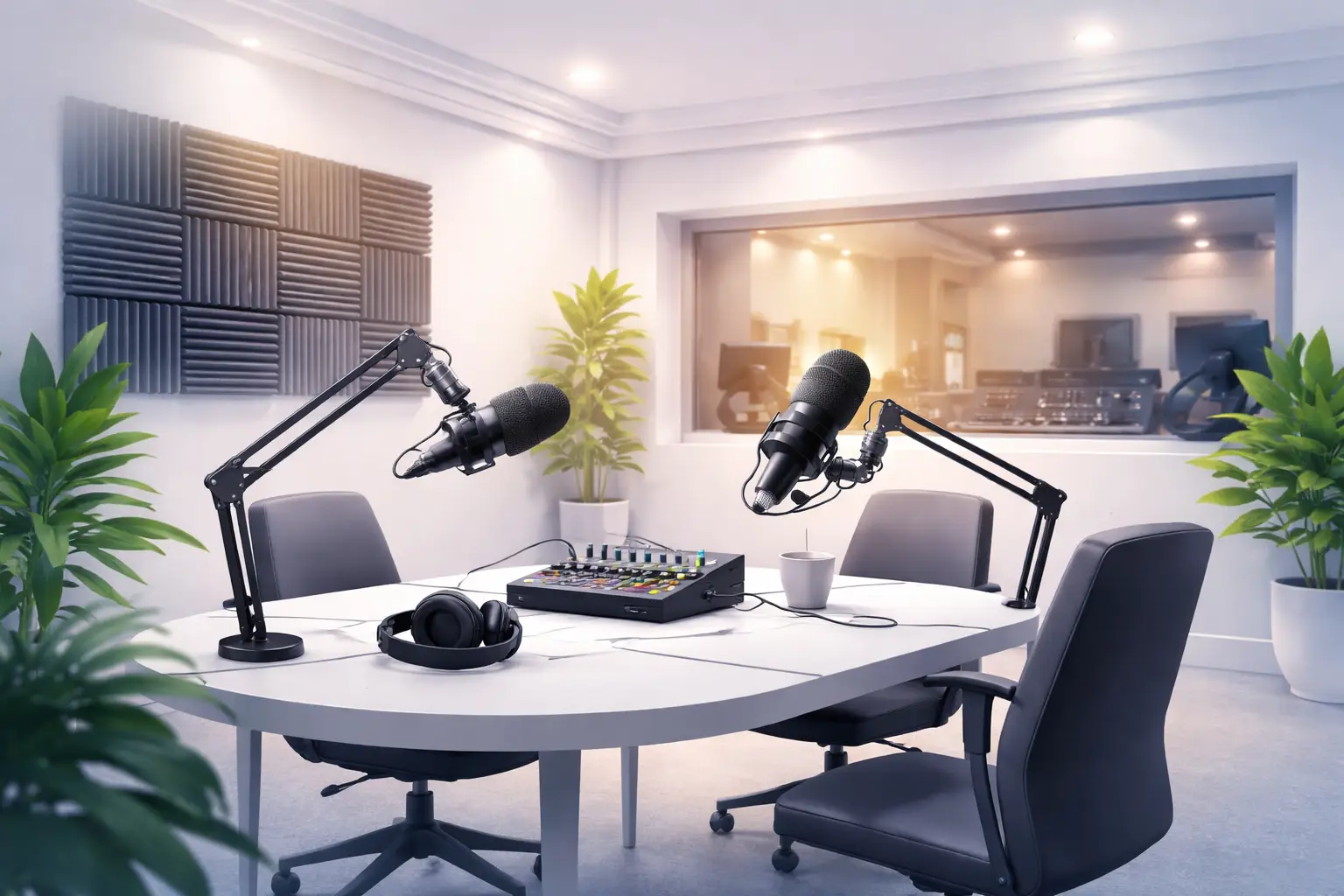
Podcast Studio Greenford for Professional Audio Production
Why a professional podcast studio Greenford matters
Recording in a purpose-built space transforms a show from rough to radio-ready. A dedicated podcast studio Greenford provides controlled acoustics, broadcast-grade microphones, direct monitoring and an experienced engineer who can capture voice nuance and reduce technical interruption. For creators aiming to reach professional listeners, the combination of technical setup and production workflow makes the difference between an amateur recording and a show that competes on Apple, Spotify and other platforms.
Core features to verify before booking studio hire Greenford
When you evaluate a studio, work through this checklist in person or by phone. Each item below is practical and scenario-focused so you can compare options quickly.
- Room acoustics: Ask to hear a short sample recording of the room with two voices. Listen for long reverb tails, flutter echoes and steady background hum.
- Microphones and preamps: Confirm the exact mic models and preamp chain. Different mics suit different voices—dynamic mics for noisy environments, condensers for detail.
- Monitoring and headphone mixes: Make sure every participant gets an independent headphone mix with adjustable level and talkback.
- Isolation and guest flow: Check how guests enter/exit the space and how isolated the room is from hallways, traffic and HVAC noise.
- Recording format and backup: Confirm primary file format (e.g., WAV), sample rate and whether the studio records a backup track.
- Remote guest capability: If you use remote callers, test the studio’s integration (clean feed, multitrack for remote guests, and latency handling).
- Post-production services: Ask what the studio includes: editing, cleanup, mixing, loudness delivery and turnaround time for masters.
How to evaluate a studio with a real-world test
Run a short, scripted recording session before you commit. This takes 30–60 minutes and will reveal most hidden problems.
- Bring the exact talent configuration you plan to record (number of hosts/guests) and a representative script or segment.
- Record a 3–5 minute dialogue piece with natural dynamics (speech, laughter, brief movement).
- Ask the engineer to deliver the raw files and a quick edited excerpt.
- Listen on headphones and studio monitors: check noise floor, sibilance, plosives and stereo balance.
- Run the file through your typical post workflow or ask how the studio’s post team would approach cleanup and mixing.
Studio day workflow and step-by-step session plan
Planning the day reduces surprises. Use this timeline as a template for a half-day session with two hosts and one guest.
- Arrival and setup (20–30 min): mic selection, mic placement, headphone mixes set and a quick room check recording.
- Soundcheck and levels (10–15 min): speak at performance volume, set gain staging to avoid clipping, check talkback.
- Rehearsal run (10–20 min): run through the first segment to flush out cadence issues and timing.
- Recording blocks (several takes as needed): schedule short breaks; keep notes of good takes and timecodes for editing.
- Wrap and backup (10 min): confirm all files are safely copied to at least two storage locations and that file names and metadata are correct.
- Post session handover: agree deliverables and turnaround for post production services London if you’ll use the studio’s team.
Post production and delivery expectations
Post production transforms raw tracks into a publishable episode. Whether you handle editing or choose the studio’s post production services London, expect these deliverables from a professional operation:
- Noise reduction and clip repair where needed.
- Level balancing, equalization and gentle compression for consistent intelligibility.
- Remove long pauses and tighten pacing, with natural-sounding crossfades.
- Prepare final files to your required loudness spec and file format, with separate stems if requested.
If you also need visual assets or photography, confirm the studio’s photography studio Greenford options or a combined package for social media snippets and waveform videos. Many creators bundle a short shoot for social clips in the same day to maximize value.
Examples and scenarios
Scenario A — Two-host interview with a remote guest: record local hosts on separate tracks, use a clean feed for the remote guest, and capture local backup in case the remote call fails. Scenario B — Solo-host narrative show: use a condenser with pop shield, record a dry track and a processed monitor track, and capture room tone for cleaner edits. Scenario C — Live-streamed panel: confirm streaming bitrate, encoder setup and redundant internet paths; also test the mix-minus for remote interviewers.
How Ravenor Farm Studios supports content creators
Ravenor Farm Studios provides adaptable spaces that suit a podcast workflow and broader production needs. If your project also requires hands-on visual content or agency-style deliverables, the studio can connect podcast sessions with a social media content studio London approach—capturing short videos and stills during the same booking to speed content turnaround. Combining a session with a content creation studio London package saves planning time and ensures consistent creative direction across audio and video assets.
For creators focused on broader production, Ravenor Farm Studios also supports film and TV production London teams, commercial video production London clients, and offers dry hire and event options through The Barn for launches and live tapings.
Budgeting and booking tips
When preparing to request quotes, provide the studio with a clear brief: episode length, number of participants, remote guest needs, desired deliverables (raw files, edited audio, show notes, social clips), and any special technical requests (e.g., ISDN/IPP/Studio-Connect style routing). This lets the studio produce an accurate quote and prepares their engineering team for your session.
Practical checklist for producers on the day
- Bring clear scripts or timestamps for segments and sponsor reads.
- Share any music beds or stings as WAV files before the session.
- Provide host/guest bios and pronunciation notes to the engineer.
- Confirm sample rate and filename convention before recording starts.
- Label each take immediately in the recording system to speed editing.
Diagnosis and Action Checklist
This checklist helps you resolve uncertainties that commonly block confident bookings. Follow each action and collect the indicated evidence before you sign a contract.
-
What is uncertain: exact equipment inventory, acoustic performance, backup recording policy, and clear post production deliverables.
Where to look in official sources: studio website pages labeled Technical Specifications, Equipment List, Technical Rider, Room Specs, Studio Policies, and Terms of Hire.
What data to collect and tests to run:- Ask for an equipment list with model names for microphones, preamps and recorders.
- Request a short WAV sample recorded in the target room with two voices and the studio engineer’s standard chain.
- Confirm backup policy: how many backups, where they are stored and file naming conventions.
- Run a 3–5 minute test session on-site: record, export files and verify they open correctly in your DAW.
How to decide between scenarios: If the sample recording has a low noise floor, controlled reverb and no mechanical hum, the room is suitable. If the sample shows steady background noise or long reverberation, request alternative rooms or acoustic treatment details from the studio before booking.
-
What is uncertain: clarity on post production scope and turnaround.
Where to look in official sources: pages titled Post Production, Editing Services, Deliverables or Pricing Terms on the studio site or in the booking contract.
What data to collect and tests to run:- Ask for a sample before/after edit to assess style and quality.
- Request written delivery timelines and the number of revision rounds included.
How to decide between scenarios: If samples and timelines fit your deadlines and creative style, include post production services London in your booking. If samples differ from your needs, negotiate scope or plan to self-edit.
-
What is uncertain: remote-guest reliability and live-stream capability.
Where to look in official sources: pages or FAQ sections titled Remote Recording, Live Streaming, Connectivity or Technical Capabilities.
What data to collect and tests to run:- Schedule a short remote test call at your expected time to verify latency and audio quality.
- Request details of internet upload speeds and redundancy measures on the day of recording.
How to decide between scenarios: If test calls consistently show low latency and clear audio, proceed. If not, require the studio to offer alternative routing (ISDN/Source-Connect or hardware fallback) or plan local guest setup.
-
What is uncertain: additional services like photography studio Greenford or content creation support during the same booking.
Where to look in official sources: Services, Packages or Combined Bookings pages and the studio’s gallery or case studies.
What data to collect and tests to run:- Request a combined schedule and a sample deliverable pack that demonstrates how audio and visual content are coordinated.
How to decide between scenarios: If the studio provides clear package examples and a timeline that fits your shoot day, bundle services. If coordination is unclear, book audio first and schedule a separate visual session.
Related reading and next steps
To explore practical tips on booking and benefits, see the studio’s guides on podcast-specific hire and creative studio services. For specifics about podcast-focused bookings, the Ravenor Farm Studios article on Podcast Studio Greenford Benefits for Creators in West London covers creator-focused scenarios and logistics. If you need green screen or more complex shoots, review the Studio Hire Greenford for Professional Green Screen Shoots page. For packages that combine audio and visual content, the Creative Content Studio Hire Benefits in West London article explains integrated workflows.
- Podcast Studio Greenford Benefits for Creators in West London
- Studio Hire Greenford for Professional Green Screen Shoots
- Creative Content Studio Hire Benefits in West London
Final checklist before you book
- Request an on-site or remote test recording and evaluate the sample.
- Get a written equipment list, backup policy and post production deliverables.
- Confirm turnaround times and revision policy for edited episodes.
- Plan a combined schedule if you require social clips or photography during the same day.
- Confirm parking, access and COVID or safety procedures that affect session logistics.
Following these steps will help you find a podcast studio Greenford that suits your creative needs and produces reliable, publish-ready audio. When you are ready to book, prepare a concise brief and share it with the studio so they can map staff, equipment and post production resources to your session.