


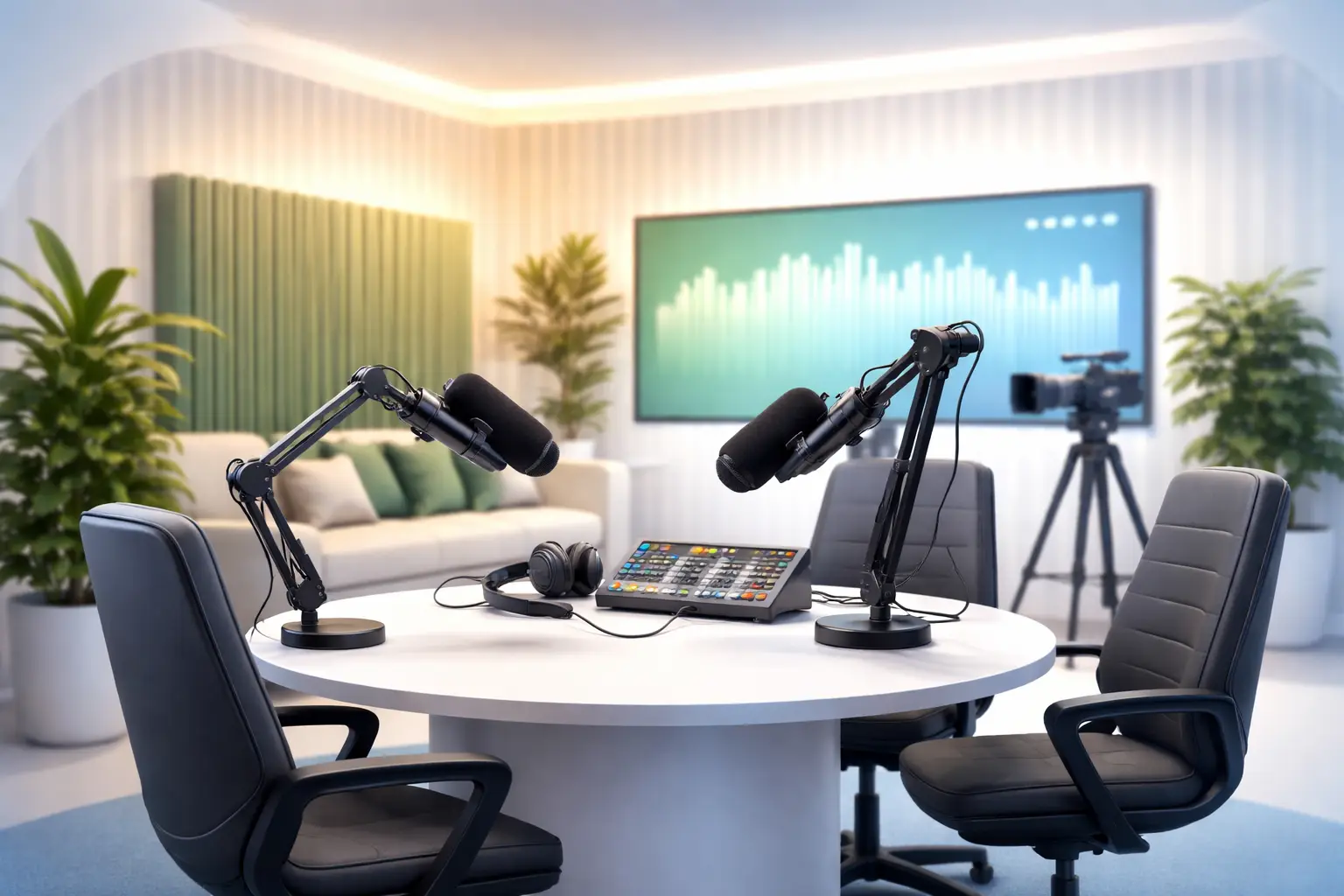
Podcast Studio London in Greenford for Professional Recordings
Choosing a dedicated studio for your podcast often makes the difference between a usable episode and a professional-sounding production that attracts listeners, guests and sponsors. This guide explains practical benefits of hiring a podcast studio in Greenford, how that facility improves your workflow, and step-by-step scenarios to prepare before, during and after a booked session.
Why a dedicated studio improves your recording quality
Recording in a space built for audio removes many common problems: ambient noise, poor acoustics, inconsistent microphone placement and unmanaged latency during multi-source sessions. A professional space combines acoustic treatment, reliable equipment and experienced technical staff so you can concentrate on content and performance instead of troubleshooting. For creators who also produce video, a studio often provides integrated camera setups and lighting that lift production value without complex do-it-yourself setups.
podcast recording studio London advantages
When you book a podcast recording studio London facility in Greenford you typically gain:
- Consistent acoustics for repeatable tonal balance across episodes.
- High-quality microphones, preamps and headphone monitoring that reduce editing time.
- On-site engineers who manage levels, routing and backups while you record.
- Flexible layouts to host multiple guests and remote contributors with clean isolation.
How a studio speeds production for video and live work
Many modern studios support hybrid formats. If you plan to record a video podcast or stream episodes live, hiring a space that supports multi-camera shoots and live encoding saves setup time and reduces technical risk. Ravenor Farm Studios in Greenford, for example, offers facilities that serve both audio-only and video podcast productions alongside live streaming workflows and event spaces.
Benefits for video-focused creators include access to controlled lighting, green screens and camera rigs. If your project needs a chroma key, consider green screen studio hire London options inside a studio so color spill and even lighting can be professionally managed.
Live production and streaming
For events or live audience shows, a live streaming studio London setup provides the encoding, switching and network reliability an in-house rig often cannot match. A studio environment reduces latency, gives you multi-source switching and handles platform integration so your team can focus on presentation rather than stream health.
Multi-format production: video podcast studio London
If you produce episodes that become both an audio podcast and a published video, booking a video podcast studio London gives you simultaneous capture of multi-track audio and multi-camera video. That workflow saves post-production time and preserves visual continuity for platforms like YouTube and social channels.
Practical booking and day-of workflow
Below is a scenario-driven step-by-step workflow for a half-day studio booking. Adjust timings to your show length and complexity.
- Pre-booking — Confirm guest list, run a technical brief with your producer, and request the studio’s equipment inventory. Add any special needs such as green screen or live encoding.
- Two days before — Send a show rundown and any visual assets to the studio team. Confirm arrival time and parking access if guests travel via car.
- Arrival and setup — Allow 45–90 minutes for mic selection, headphone mixes, camera blocking and a soundcheck. Engineers should set and label tracks, route backups, and confirm recording formats.
- Recording — Run segments with clear cues, use talkback for direction, and record safety backups. If streaming, monitor the stream and chat from a dedicated station.
- Wrap and transfer — Producers or engineers deliver multi-track files and reference mixes via secure transfer. Agree on turnaround windows for edits and masters.
Pre-production checklist for a studio session
- Confirm studio capabilities and request a technical rider or spec sheet.
- Compile a guest list with arrival times and any accessibility needs.
- Prepare scripts/outlines and share them with the on-site engineer.
- If using remote callers, test connections in advance and plan for latency management.
- Plan backup recording (local recorder or separate DAW) with the studio.
For creators focused on photography or visual content alongside audio, studios often offer photo studio hire London options that let you shoot promotional stills on the same day as recording. Combining services reduces logistics and keeps branding consistent.
Costs of mistakes you avoid by hiring a studio
Recording in a dedicated studio reduces lost production days, guest cancellations caused by poor audio, and the need for costly audio fixes. It also shortens editing time because fewer corrective actions are required. Rather than listing prices or guarantees, plan around the operational savings: faster turnaround, fewer retakes, and more reliable guest experiences.
Choosing the right room and engineer for your project
Not all rooms suit every format. For an intimate interview show, a smaller treated room with close-mic technique works best. For roundtable podcasts, book a larger live room with isolation booths or modular baffles. Confirm with studio staff whether they provide an on-site engineer, assistant or tech package and what their roles cover during the session.
Post-production and delivery options
A professional studio usually offers editing, mixing and mastering services or can hand over well-organised session files for your editor. If you require video editing, confirm camera codecs and file delivery formats in advance so your post team can ingest footage quickly. For creators producing both audio and video, think about delivery specs for platforms and social-media-ready clips when booking the studio.
When to consider dry hire vs full production support
Dry hire suits experienced teams that bring their own engineers and equipment and simply need the space. Full production support is ideal if you want an in-house engineer to manage levels, routing and stream health. Evaluate your team’s technical capacity and the complexity of your show to decide. If you’re unsure which option fits, ask the studio for examples of similar productions they host.
Diagnosis and Action Checklist
This checklist helps you verify specific studio capabilities and resolve uncertainties before booking.
- What is uncertain — Typical uncertainties include exact acoustic treatment quality, available microphone/preamp models, network bandwidth for live streams, and backup recording procedures.
- What to search in official sources — In studio-provided documentation, look for words and sections such as “technical rider”, “equipment list”, “acoustic treatment”, “isolation”, “signal flow diagram”, “network specification”, “redundant recording”, and “health and safety certificate”.
- Data and tests to gather or run — Request the studio’s equipment inventory and ask for photos or diagrams of the room layout. On arrival or during a site visit run these checks: a short test recording with your voice and typical guest positions; latency check for remote contributors; and an upload/download speed test on the studio’s network while streaming to a private endpoint. Also confirm file formats and backup locations used by the engineer.
- How to distinguish scenarios — If acoustic treatment is minimal, test recordings will show room reflections and reverb tails; this scenario needs additional treatment or a smaller mic distance. If network speed tests indicate limited upload bandwidth, the studio can still support local multi-track capture but not high-bitrate live streaming; require the studio to provide a wired network or bonded connection. If the equipment list lacks specific mic models you rely on, ask whether compatible alternatives are available or if you should bring your own kit. Use the combination of the studio’s written rider, on-site test recordings and the network speed test to identify the correct working scenario.
- Types of official sources to consult — Use the studio’s formal technical rider, published spec sheets, health and safety certificates or insurance documents, and any written client testimonials that reference technical reliability. For streaming or broadcast compliance, consult authoritative industry guidance or government broadcasting guidance where relevant.
Sample day-of recording run sheet
- 09:00 — Arrival and equipment check
- 09:30 — Mic placements and camera blocking
- 10:00 — Soundcheck and test recording
- 10:30 — Record episode segments
- 12:00 — Short break and safety backups
- 12:15 — Final segments and wrap
- 12:45 — File handover and producer notes
For more on preparing your live workflow or comparing studio options in West London, see the studio’s guide to Live Streaming Studio London and Video Production Benefits and the post on Studio hire West London essentials for podcasting professionals.
Final recommendations
Book a time to visit the facility before a major session, request a technical rider, and run the simple tests in the Diagnosis and Action Checklist. A dedicated podcast studio in Greenford streamlines logistics, improves audio quality, and gives creators access to hybrid services like video capture, green screen support and live streaming, all of which accelerate production and enhance audience perception.
If your next episode needs a reliable space with experienced technical support, prepare your show brief, confirm required services and enquire about booking options to match your production scale.