


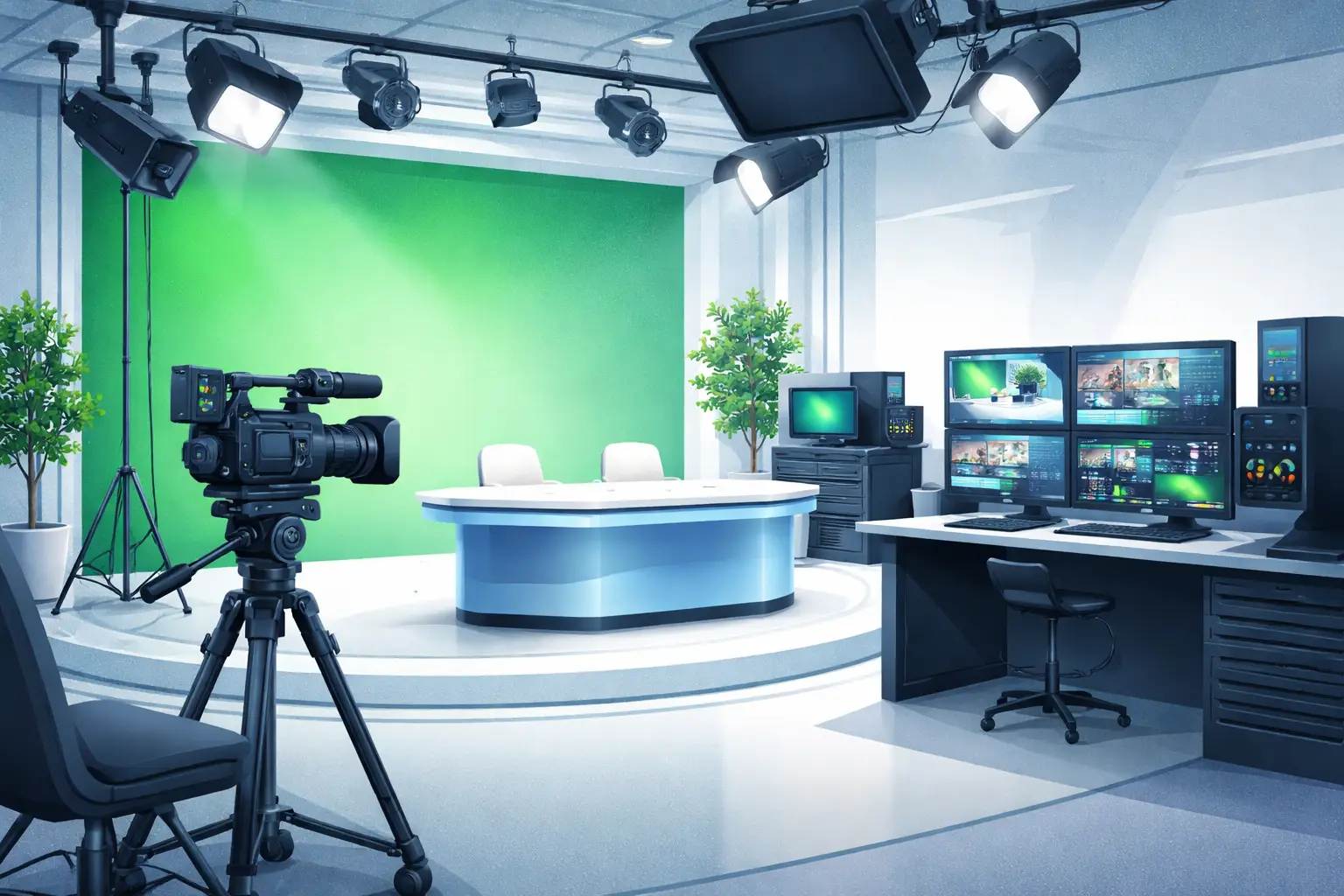
TV studio hire London choose the right broadcast studio
Finding the right broadcast studio hire for live streaming in London is about matching technical capability, physical space and crew support to your production goals. This guide walks you through the decisions production teams make—step by step—so you can evaluate options, compare venues and book a space that removes risk on the day of the stream.
What to define before you start searching
Before you compare locations, write a short production brief covering: required camera count, required signal type (SDI/NDI/HDMI), expected audience size for in-person segments, run time, intercut material sources (remote guests, pre-recorded video), and whether you need event catering or audience seating. Having these answers upfront makes technical riders and venue specs easy to interpret.
- Production type: live talk show, concert, webinar, multi-camera stream.
- Core tech: encoder/streaming platform, key resolution (e.g., 1080p/4K), back-up paths.
- Crew: director/producer, vision mixer, audio engineer, camera ops, lights tech.
- Logistics: load-in time, parking for vans, nearby accommodation for out-of-town crew.
studio space hire London essentials
When you review listings for studio space hire London, check the physical footprint, floor load, sightlines and grid access first. A studio that suits a small multi-camera talk show may be too cramped for a live music performance with PA and drum risers.
Space and layout
Request the studio floorplan and a photo gallery. Confirm ceiling height, available masking and whether the venue offers a stage or risers. For music or high-energy events, verify the floor loading capacity and access for equipment trucks.
Power and rigging
Ask for the electrical schedule and confirmed on-site power gauge. Typical production tests include measuring voltage stability under load and confirming number and distribution of 13A, 32A or 63A outlets. If you need external dimmers or a PA, confirm single-phase vs three-phase availability and whether on-site distribution boxes are included.
Internet and return feeds
Reliable upload speed and low latency are essential. Ask the venue for their tested upload bandwidth and redundancy options (dedicated leased line, bonded cellular back-up or guaranteed SLA). If the venue cannot supply adequate upload capacity, plan for a bonded cellular solution or dedicated line.
Technical checklist for live broadcast
Use this practical technical checklist when you inspect or speak with studio techs:
- Camera inputs: number of SDI/HDMI feeds and maximum run length before needing repeaters.
- Routing: facility vision mixer or router size, name of switcher available, and intercom system.
- Audio: console size, mic inventory (wireless and wired), DI boxes, stage monitoring and house PA capability.
- Lighting: grid positions, rigging points, dimmer count and types of fixtures available.
- Signal redundancy: encoder model, backup encoder or parallel uplink path, power UPS coverage.
- Recording: multi-track ISO recording options and file transfer workflow.
When you request the venue’s technical rider, ask for a labelled gear list and a simple block diagram showing where cameras, audio and encoder rack will be located.
How to evaluate crew and support services
Venues offer different staffing models: some include an on-site technical engineer, others are dry-hire and expect you to bring technicians. Confirm who will operate switcher, audio desk and lighting rig, whether there is an onsite production assistant and what costs are included. If you need full crew service, pick a venue comfortable supporting broadcast teams and with in-house technical staff who are familiar with your encoder and platform.
studio hire West London practical considerations
Location matters for logistics. Studio hire West London generally gives easier access from Heathrow and nearby parking, which can reduce load-in time for touring acts or equipment trucks. If your team or talent is arriving from central London, confirm tube or rail connections and peak-time travel windows to avoid unexpected delays.
Acoustics, noise and audience management
Good acoustic treatment reduces post-production work and improves live audio clarity. Ask for room RT60 measurements or examples of past music broadcasts from the space. For events with an audience, check cloakroom capacity, fire exits and the venue’s crowd management policy.
Ravenor Farm Studios studio hire as an option
If you are considering a West London base, Ravenor Farm Studios studio hire offers flexible rooms, experienced technical staff and an event venue called The Barn for live performances. The studio is positioned between Central London and Heathrow, which helps production teams manage talent and equipment logistics efficiently. For specific benefits and past setups, see the studio’s case studies and technical details in related posts:
- Studio Hire Greenford for Content Creation and Production
- Live Streaming Studio London and Video Production Benefits
When you contact a venue like Ravenor Farm Studios, supply your production brief so the technical team can confirm compatibility with your encoder, cameras and audio configuration.
Booking, contracts and on-site rehearsals
Negotiate clear booking terms: load-in/out windows, rehearsal time, cancellation terms and what constitutes venue-provided kit versus client-supplied kit. Insist on at least one technical rehearsal or sightline check on site before the live date. Use rehearsal time to verify camera framing, lighting states, audio levels and encoder stream stability.
Common live streaming scenarios and quick decisions
Here are typical scenarios and the practical decision each implies:
- High-production multi-camera live show with audience: choose a larger studio with audience facilities, three-phase power and an experienced venue tech team.
- Remote guest-heavy webinar: prioritise robust internet with bonded back-up and ISO recording capacity to manage remote feeds.
- Music performance requiring house PA: confirm stage depth, rigging points and floor load; ensure venue offers PA operator or allow for bringing a FOH engineer.
- Low-budget one-camera stream: a smaller production room with good natural light and a dependable upload is usually sufficient.
Diagnosis and Action Checklist
This checklist helps you resolve the typical uncertainties that arise when assessing a studio for live streaming.
-
Precisely what is uncertain
- Internet reliability and guaranteed upload speed.
- On-site power capacity and distribution (number/type of outlets, single vs three-phase availability).
- Exact patching and I/O available for cameras and audio (SDI, HDMI, AES, Dante, XLR counts).
- Whether the venue provides qualified technical crew or is strictly dry-hire.
- Noise restrictions or local event licensing that might affect sound checks or audience interaction.
-
What to look for in official venue sources
- Search the venue technical specification or technical rider for keywords: “upload”, “bandwidth”, “SLA”, “leased line”, “redundant link”, “WiFi”, “bonded”.
- Find electrical or facilities documents and look for “three-phase”, “32A”, “63A”, “floor loading” and “power distribution”.
- Open the venue’s gear list and block diagram; search for “SDI”, “HDMI”, “Dante”, “AES” and counts of “XLR”.
- Check the venue’s staffing policy for “technical support”, “engineer included”, “dry hire” or “crew rates”.
- Inspect local authority pages or the venue’s licence PDF for “noise”, “capacity” and “operating hours” if you expect a live audience.
-
Data to collect and tests to run
- Run an upload speed and latency test from the venue network during a comparable time window to your event. Record upload Mbps and ping in ms. Repeat at peak and off-peak times.
- Request the venue’s recent network test report or run an independent stream test to your chosen platform and capture any dropped frames or bitrate instability.
- Get a labelled electrical schedule and, if critical, ask an electrician to verify load calculations for your planned rig. Collect outlet types and locations in a photo or marked floorplan.
- Request photos or a short video walkthrough of the studio while gear is in place to confirm sightlines and blackout capability.
- Collect copies of PAT test records for rental equipment if you plan to use the venue’s kit, and obtain confirmation of public liability insurance if audience members are present.
-
How to decide between plausible scenarios
- If upload tests show stable bandwidth above your encoder target plus 20% overhead, proceed with in-house streaming; if not, plan bonded cellular or leased line alternatives.
- If the venue electrical schedule matches your aggregated equipment load with a safe margin, you can use venue power; if not, bring distribution and/or reduce non-essential loads or split power across circuits.
- If the venue provides skilled technical staff and you lack experienced operators, prefer that venue; if it is dry-hire and you have an experienced crew, confirm access and time for setup and tech rehearsal.
- If local noise or licensing restrictions limit rehearsal hours, schedule quiet technical rehearsals and move audience-facing sound checks to a permitted slot or alternate space within the venue.
Final steps before you confirm a booking
Confirm the following in writing before you sign: confirmed rehearsal windows, layout plan with rack location and power points, the exact list of included kit and crew, and the venue contact for day-of production. Book a technical rehearsal and run a short end-to-end stream test to the target platform at production bitrate to validate settings.
Choosing the right broadcast studio hire in London combines careful pre-planning, a focused technical checklist and direct tests that remove ambiguity. Use the brief you prepared at the start and the Diagnosis and Action Checklist to convert unknowns into confirmed requirements—then pick the studio that best matches those needs.
If you want a practical walkthrough for your specific show, prepare a one-page brief and request a technical meeting with the venue team; a short meeting often saves far more time than multiple back-and-forth emails.