


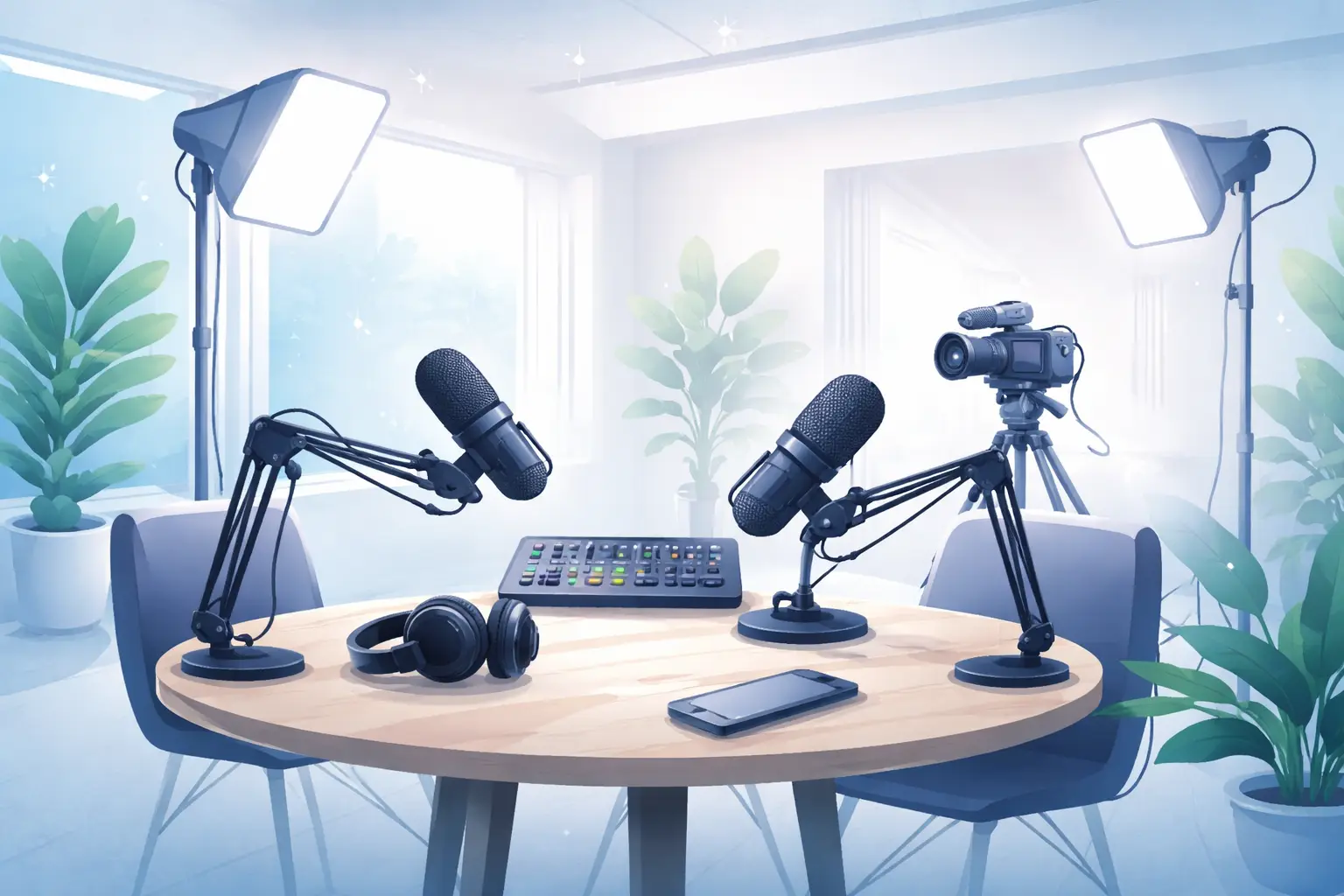
Podcast studio Greenford practical tips to maximise your hire
Booking a video podcast session in West London can be a high-return investment when you prep strategically. This guide is built around real production scenarios at Ravenor Farm Studios and similar facilities, showing how to plan, record and hand over assets so your video podcast looks and sounds professional while saving time and budget.
Before you book: set production goals and scope
Start by defining what a successful day looks like. Do you need a single-camera interview, a multi-camera panel, or a livestream with remote guests? That decision influences crew, kit and room choice. Use short, concrete goals: number of episodes, average running time, required deliverables (full-length video, social clips, raw multicam files, or edited masters).
- List deliverables and priority order (e.g., long-form episode first, then three social edits).
- Identify file formats you need for post and distribution to speed technical handover.
- Decide whether you need additional services such as post production services London to handle editing and mixing.
studio hire Greenford setup checklist
This practical checklist covers the essentials you should confirm with the studio before the booking and on arrival.
- Room configuration: discuss furniture, camera positions and sightlines for video shots.
- Audio rig: confirm microphones, mixer, headphone feeds and backup recorders.
- Multicam workflow: confirm timecode, camera LUTs and operator needs if you plan multi-camera switching.
- Connectivity: verify upload speeds and streaming encoder options if you plan a livestream.
- Power and cable runs: clarify safe routes for cables and available power distribution.
- On-site technical support: agree technical support windows and contact points for the day.
Audio and acoustics for a better recording
Good audio is non-negotiable for podcasting. When you visit the space, perform a quick listening test in the proposed recording position. Ask whether the studio offers lavalier or shotgun microphones and whether isolation is practical for your format. If you plan to record multiple talent, check mixer inputs, talkback capability and headphone monitoring for each participant.
Lighting and camera: fast setups that look crafted
Plan camera count and framing before the day. A common, efficient setup for video podcasts is one primary camera framing two-thirds of the subject frame and one or two secondary cameras for cuts and reaction shots. Confirm that the studio can provide consistent lighting that suits skin tones and the look you want—flat interview light for long-form, contrast and accent lights for cinematic panels.
Crew roles and efficient scheduling
Define clear roles: producer to keep time, director/DP for camera and lighting, sound engineer, and a runner for quick swaps. For small teams, a single operator wearing multiple hats can work if time is allocated for setup and checks. Block time for camera and sound checks, and schedule a short rehearsal to run through the first minute of the show—the problems you find in rehearsal are the ones you avoid in post.
Recording workflow and file management
Create a straightforward file-naming and backup protocol that everyone follows. Agree on a folder structure and on which drives will receive camera masters, audio stems, and proxy files. If you plan to hand post-production to a team, confirm their preferred codecs and whether they need separate audio files for each microphone.
- Record backups: ask the studio to provide a second recorder for audio or to capture a safety camera feed.
- Label takes clearly and capture slate/visual markers at scene starts to speed editorial sync.
- Organise metadata: date, episode number, host names and camera IDs in a shared document.
Handover and post production coordination
Decide in advance what the studio will deliver after the session. If you need help with edit, mixing or graphics, mention post production services London so the studio can outline available packages or partner providers. Deliverables typically include assembled multicam timelines, consolidated audio, and proxy files for remote editors.
Make a realistic turnaround plan: avoid last-minute changes to the brief and allow the editor time to iterate. If you intend to produce social edits, capture vertical or square shot options during the session to save cropping and reframing time later—this is especially valuable when working with a social media content studio London approach.
Maximising reach: plan for social and repurposing
Think in outputs, not just the episode. Capture additional material on the day to create social promos and audiograms. If you want a social-first approach, brief the production team to frame alternate shots suitable for vertical crops and identify moments you’ll convert into short clips for channels. Working with a content creation studio London mindset during the session reduces rework and improves consistency across platforms.
Common scenarios and quick solutions
Scenario: Late arrival talent compresses setup time. Solution: Prioritise audio and one main camera angle, postpone B-roll and complex lighting until after the primary take. Scenario: Background noise is present. Solution: Use directional mics, reposition talent, and capture room tone for post-noise reduction. Scenario: Remote guest dropouts. Solution: Have a local recorder and backup connection method; record both ends locally when possible.
Diagnosis and Action Checklist
This checklist helps you resolve uncertainties you might encounter while planning a studio booking. Use it step-by-step to gather facts and confirm requirements before production day.
- What is uncertain
– Exact equipment inventory, sound isolation levels, room dimensions, permitted maximum occupancy, insurance and union rules for your shoot. - Where to look in official or authoritative sources
– Search the studio’s technical rider or equipment list for “equipment,” “microphones,” “cameras,” “mixing console” and “monitoring.”
– Look in venue documentation for terms like “room dimensions,” “floorplan,” “max occupancy” or “capacity.”
– For legal/regulatory items search official local government building or fire safety guidance for “venue capacity,” “fire exits” and “safety certificate.”
– For crew/union rules search union or industry body guidance for terms like “recording contracts,” “studio session rates” or “copyright clearance.” - What data to collect and tests to run
– Request the studio’s equipment list, tech rider and floorplan in writing.
– Gather photos or short walk-through video of the room from proposed camera positions.
– Ask for a list of available inputs/outputs and sample recording formats (e.g., camera codecs, audio track formats).
– Perform a short test recording on-site: record a 1–2 minute dialogue to check noise floor, reverb and mic bleed. Save that test file for later review.
– Run an upload/download speed test if you plan livestreaming and note packet loss or latency during peak hours. - How to distinguish scenarios and reach a decision
– If the equipment list matches your needs and the test recording meets your audio quality threshold, proceed with the booking and confirm tech support windows.
– If the room recording shows unacceptable background noise or reverberation, ask whether additional acoustic treatment or alternate rooms are available; collect options in writing.
– If connectivity tests fail your streaming criteria, plan for a bonded cellular solution or schedule a different time when the network is quieter.
– If legal or occupancy constraints appear restrictive, request formal documentation (safety certificates or event licences) and consult the studio’s production manager for compliant alternatives.
On the day: a practical timeline
Example timeline to adapt to your production scale:
- Arrival and load-in: Rack in gear, set cable runs and confirm power distribution.
- Camera and lighting set: Position primary camera and key lights, mark talent positions.
- Audio checks: Mic placement, levels, headphone mixes and backup recording tests.
- Rehearsal: Run the opening segment, check pacing and transitions.
- Recording blocks: Record main content in focused blocks with short breaks to review and reset.
- Wrap and asset consolidation: Confirm filenames, compile drives and note any pickup needs for post.
Related reads
- Filming studio hire London that fits your West London shoot
- Studio hire Greenford for live streaming and content creators
- photo studio hire London at Ravenor Farm Studios West London
Final note: treating your session as a short production cycle—define deliverables, confirm technical details, and schedule handover—turns studio time into reliable, repeatable content. If you need integrated post workflows, discuss post production services London early so the team can architect the shoot to deliver edit-ready material.