


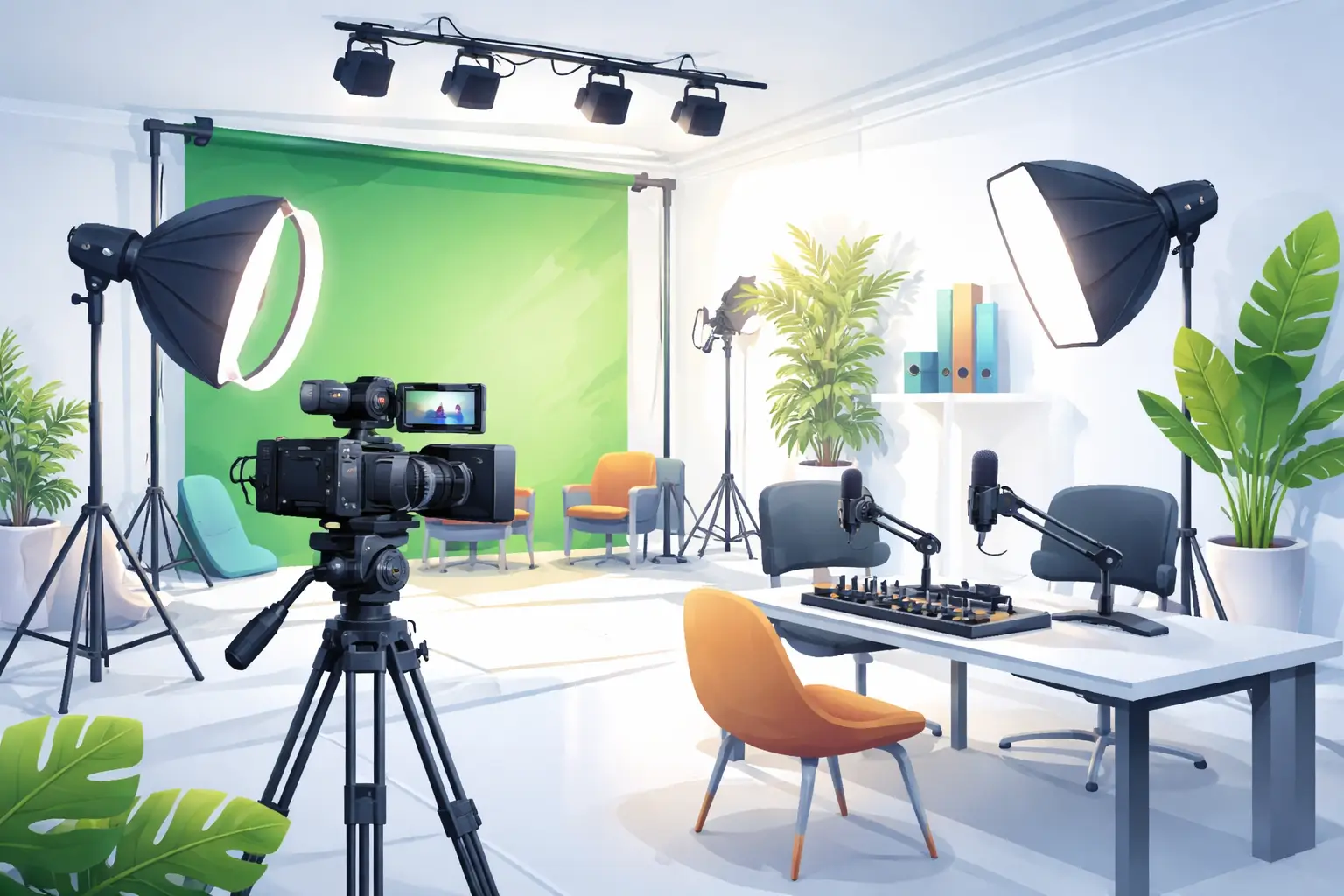
Studio hire Greenford for live streaming and content creators
Choosing a professional studio in West London can transform how you produce live streams, social videos and podcasts. This article explains practical advantages of hiring a studio in Greenford, how those benefits apply to typical creator workflows, and the steps to evaluate a space for your next production. Examples and process-driven advice make decisions faster whether you are a YouTuber, podcaster, videographer or a production company planning a remote shoot.
Why a dedicated studio helps live streaming and content production
Producing live content in a controlled environment reduces technical risk and improves audience perception. A studio provides consistent lighting, reliable acoustics, robust internet options and a technical crew who know how to route audio and video for multi-platform streams. For creators who want to scale quality, a studio removes friction: less setup time, repeatable configurations, and access to specialised gear without long-term purchase commitments.
Save setup time and improve consistency
When you rent a studio, you arrive to pre-tested lighting setups, calibrated cameras and known frame lines. That means fewer last-minute fixes and faster turnaround between sessions. This is especially valuable for creators planning series work or weekly live shows where visual consistency builds brand recognition.
Technical support and production services
Professional studios generally offer on-site technical support and post production services London creators rely on. A small crew can handle multi-camera switching, live graphics, ISO recording for edits, and final colour grading. If you need a production partner, look for studios that advertise post production services London as part of their hire packages.
studio hire Ealing and neighbouring advantages for West London creators
Proximity matters. studio hire Ealing and nearby Greenford locations reduce travel time for talent, equipment and crew while offering easier load-in logistics than many central London sites. West London studios commonly provide vehicle access, parking and flexible dry hire options that suit small teams or larger branded shoots.
Local connectivity and access to talent
Being within West London’s transport network makes it simpler to assemble local freelancers—camera operators, gaffers, audio engineers—and to transport rented larger items such as dollies or lighting rigs. A nearby studio also shortens rehearsal schedules and allows for same-day pickups and drop-offs.
How film studio Greenford and photography studio Greenford meet different production needs
Not all studio spaces are the same. A film studio Greenford will prioritise floor space, blackout capability and rigging points for lights and set builds. A photography studio Greenford may optimise for cyc walls, flash power and controlled reflectors. When evaluating a space, match the studio’s strengths to your production type.
- If you plan complex camera moves or constructed sets, prioritise film studio Greenford features such as clear load-in paths and rigging availability.
- If your output is image-heavy stills or product shoots, confirm a photography studio Greenford offers the necessary backdrops, grip and flash infrastructure.
Hybrid use cases
Many modern studios are flexible: theatre-style loading bays, configurable flats and separate voice booths. That flexibility allows a space to operate simultaneously as a photography studio Greenford during the day and a podcast studio Greenford for evening recordings, maximising utility for multi-discipline creators.
podcast studio Greenford and audio-first workflows
Podcasts and live-streamed talk formats benefit from treated rooms, broadcast-grade microphones and dedicated recording chains. A podcast studio Greenford should offer sound isolation, headphone monitoring, multitrack recording and options for remote guest links. Look for studios that support both live streaming and ISO audio capture for later edit and distribution.
Practical checklist when booking for audio
- Confirm the console and mic models available and ensure they suit your show’s workflow.
- Ask whether the studio records separate tracks (critical for editing) and what file formats are supplied.
- Verify latency and monitoring options if you plan to bring remote guests or call-ins during a live stream.
social media content studio London advantages for short-form and cross-platform creators
For creators producing reels, TikToks and short-form social video, a social media content studio London should enable rapid scene changes, multiple set options and fast turnaround with on-site editing. These studios often provide branded backgrounds, product tables, and configurable lighting rigs to support high-volume content days.
Workflow example for a one-day content shoot
- Pre-production: prepare a shot list mapping each piece of content to a setup time and required props.
- Arrival: use the studio’s pre-rigged configurations to switch between looks in under 20 minutes.
- Capture: record vertical and horizontal frames with separate camera outputs to speed post production.
- Post: leverage on-site post production services London to batch-export optimized versions for each social platform.
Costs, booking windows and availability considerations
Studios differ in how they structure bookings—hourly, half-day, full-day or packages that bundle technical support. When you reach out, request a clear list of what is included in each option (crew minutes, kit list, setup time, strike time) and whether additional services such as streaming engineers or editors are available on-site.
Because availability varies, build flexibility into your schedule: block dates, confirm load-in/out windows and request a technical rider template so the studio can confirm compatibility with your kit and workflow.
On-site facilities and technical items to verify before you book
To avoid surprises, check the studio’s inventory and infrastructure. Key items to confirm include broadband bandwidth and redundancy, multitrack recording capability, camera and lens options, lighting inventory, grip equipment, power distribution and parking or loading access. Ask for photos of the space, a floorplan and video of recent live-stream setups if available.
Diagnosis and Action Checklist
This checklist helps you confirm unclear studio details before booking. Follow each step and collect the specified evidence so you can compare studios objectively.
- Uncertainty: Exact equipment inventory and specifications
- Search official studio documentation for “kit list”, “equipment inventory” or “technical spec”.
- Request PDF or web page copy of the kit list; collect model numbers, counts and rental conditions.
- Test: ask the studio to confirm availability for your dates in writing and request photos of the exact kit reserved.
- Decision: if model numbers match your requirements, proceed; if not, request alternatives or bring your own gear.
- Uncertainty: Internet bandwidth and reliability for live streaming
- Look for “uplink”, “bandwidth”, “internet speed” or “connectivity” on the studio’s technical page or FAQ.
- Collect: recorded speed test results (upload and download), details of wired connection type and any backup links.
- Test: schedule a short test stream or ask the studio to run a speed and packet-loss test during your proposed time slot.
- Decision: require sustained upload speed aligned with your stream bitrates and low packet loss; if not met, request bonding options or bring a dedicated uplink solution.
- Uncertainty: Room acoustics and isolation
- Search for “acoustic treatment”, “iso booth”, “soundproofing” or “noise” in the studio’s description.
- Collect: sample audio files recorded in the space, or ask for a short voice test recorded on-site.
- Test: visit and perform a spoken-word or mic test at the time of day you plan to record to check external noise sources.
- Decision: if ambient noise is acceptable for your format, book; otherwise arrange for additional treatment or book a different room.
- Uncertainty: Technical crew skillset and on-site services
- Search the studio site for “crew”, “technical support”, “engineer” or “production services”.
- Collect: CVs or role descriptions for the on-site technicians, plus a list of services included with hire.
- Test: request a short call with the lead technician to run through your show flow and confirm they have experience with your required software/hardware.
- Decision: confirm crew capability in writing or hire a specialist externally if gap remains.
- Uncertainty: Logistics and access for equipment vehicles
- Search for “loading bay”, “parking”, “access”, “height” or “vehicle” on the studio’s information pages.
- Collect: measurements of doors, loading distances, on-site parking spaces and nearby parking restrictions.
- Test: if possible, drive a van to the site during the intended load-in window or request a site map showing vehicle routes.
- Decision: confirm a workable plan for load-in/out and add buffer time if route or parking is tight.
Practical booking tips and sample timelines
For a typical single-day shoot, plan for at least double the estimated capture time to allow for setup, lighting and sound checks. If you are doing a live stream with remote guests, schedule a tech run the day before or a dry run the morning of the show. Always request a written booking confirmation that lists kit, crew hours and contingency terms.
Suggested pre-shoot timeline for a live multi-camera stream
- T minus 3–7 days: confirm kit and crew; send technical rider.
- T minus 1 day: arrive for setup or request a dedicated pre-rig time slot.
- Show day morning: full system test including uploads, camera checks, audio levels and graphics ingestion.
- Show time: start with a 10–15 minute pre-show routine to stabilise levels and ensure remote guests are connected.
- Post-show: secure recorded files and request a transfer of all raw assets for post production services London.
Choosing Ravenor Farm Studios for West London production needs
For creators seeking a West London base, Ravenor Farm Studios in Greenford offers flexible spaces built for film and TV production, podcasts and photography with experienced technical support. If your project needs combined services—live streaming plus post production—confirm those services and available crew in your booking. For photography-specific enquiries, see the studio’s guide to book-studio-west-london for practical booking steps. If you plan audio-first work, consult the page about podcast-studio-greenford for more details on equipment and recording workflows. For film-focused shoots, review benefits-studio-hire-west-london-2 to compare features relevant to indie projects.
Hiring a dedicated studio in West London reduces production risk, speeds up workflows and raises the production value of live streams and social content. Use the checklist above to verify technical details, then schedule a site visit or test run to make an informed booking decision.
If you’re ready to plan a session or request a technical rider, contact Ravenor Farm Studios to discuss kit, crew and available dates.